
720 Audio Video Acquisition Terminal
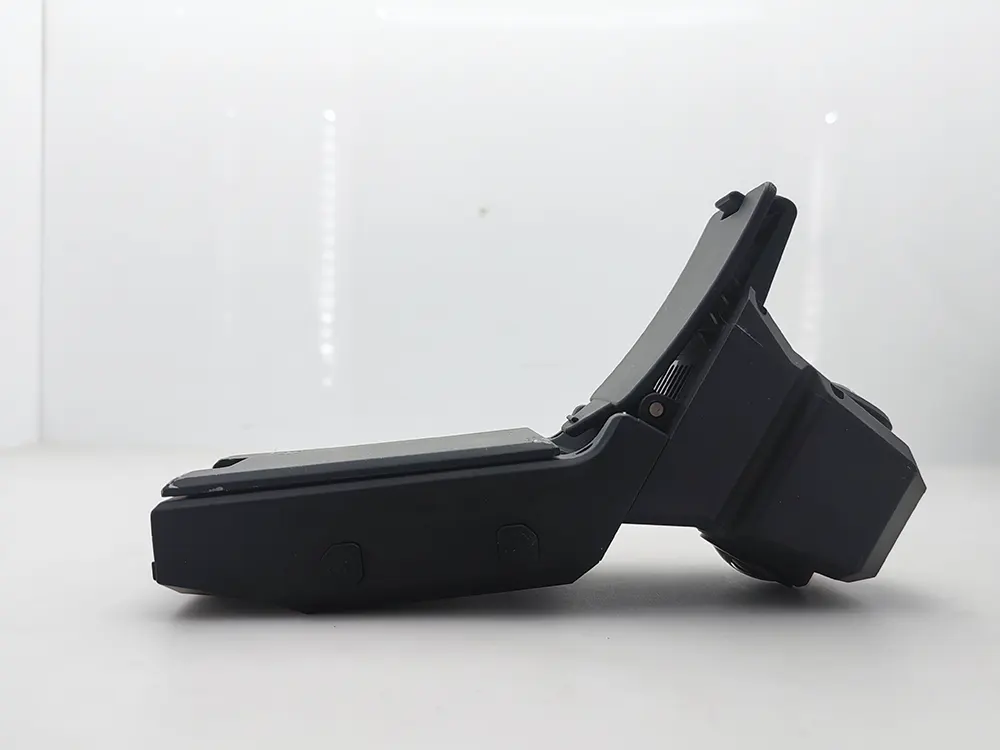

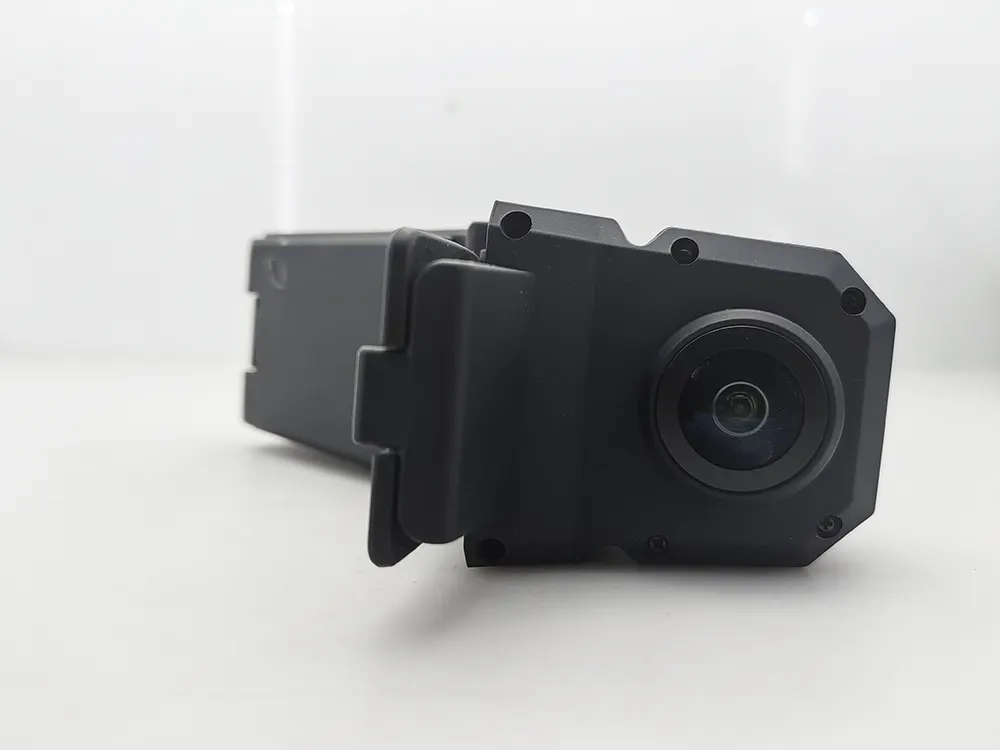
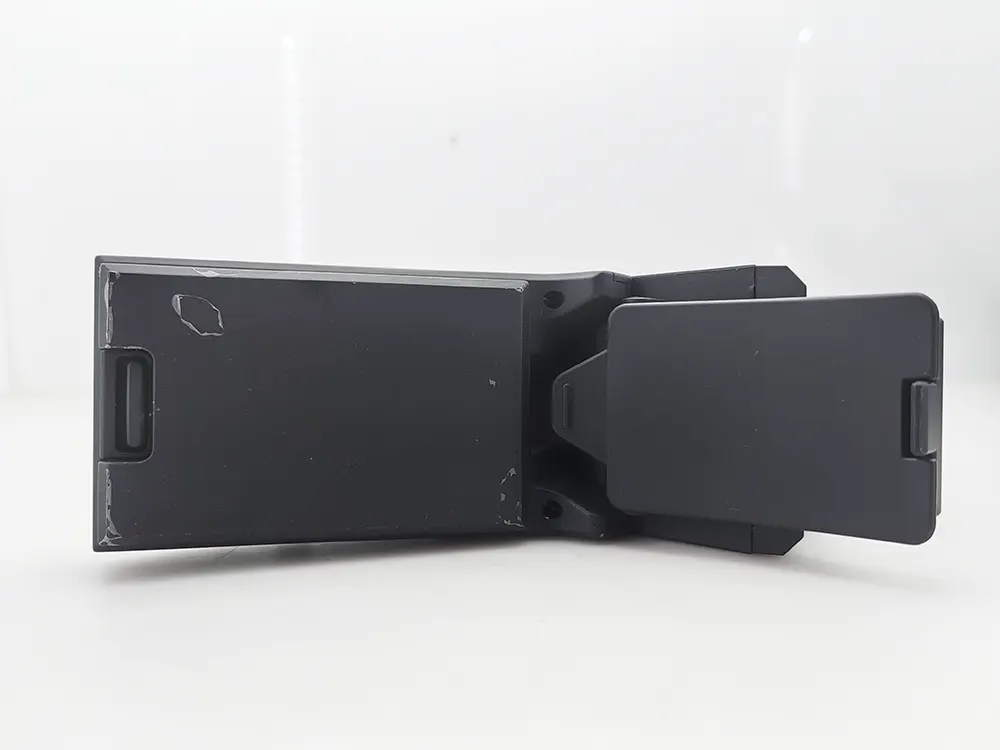
je. Présentation du produit
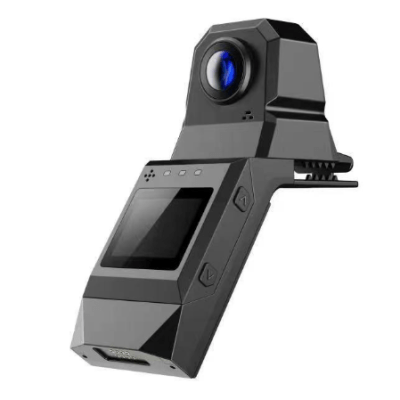
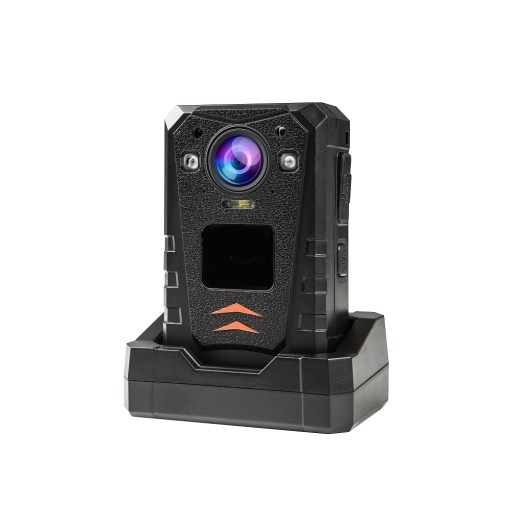
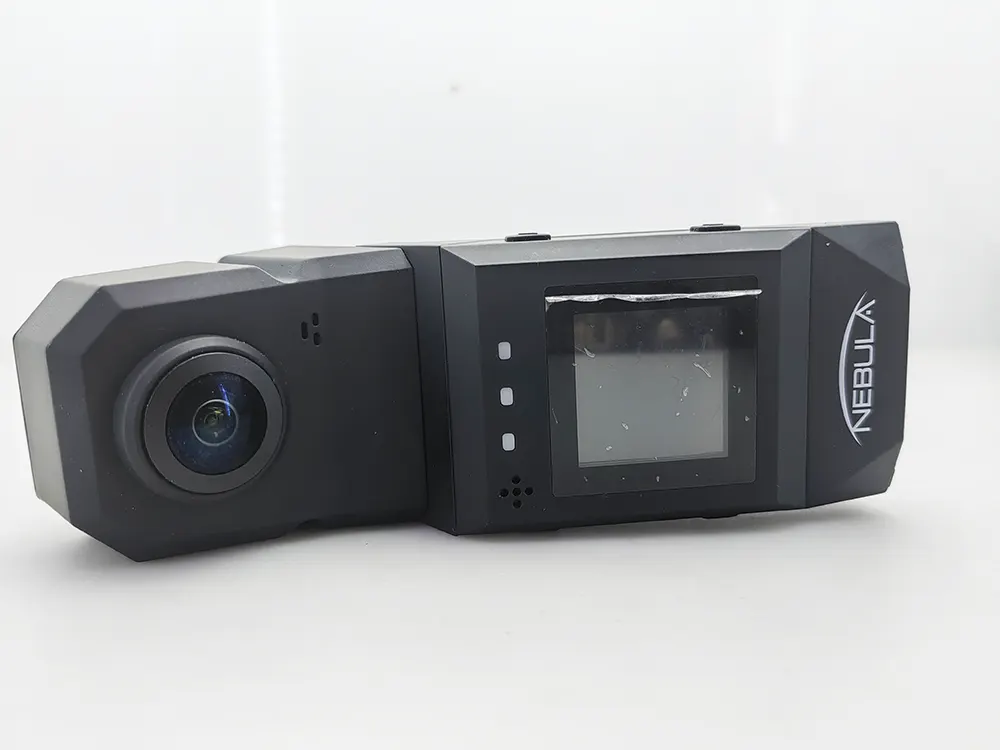
The 360° panoramic law enforcement record is mainly committed to police equipment, smart transportation, smart city, 4G / 5G wireless
Communication technology, law enforcement recorder, collection workstation, security check and fire protection, video image transmission system, etc.. Provide Ann
Full-AI products and solutions.
2. Product display
- Product characteristics
With integrated fuselage design, the data is more secure 360° HD video, restoring the scene
GPS + Beidou dual-mode positioning
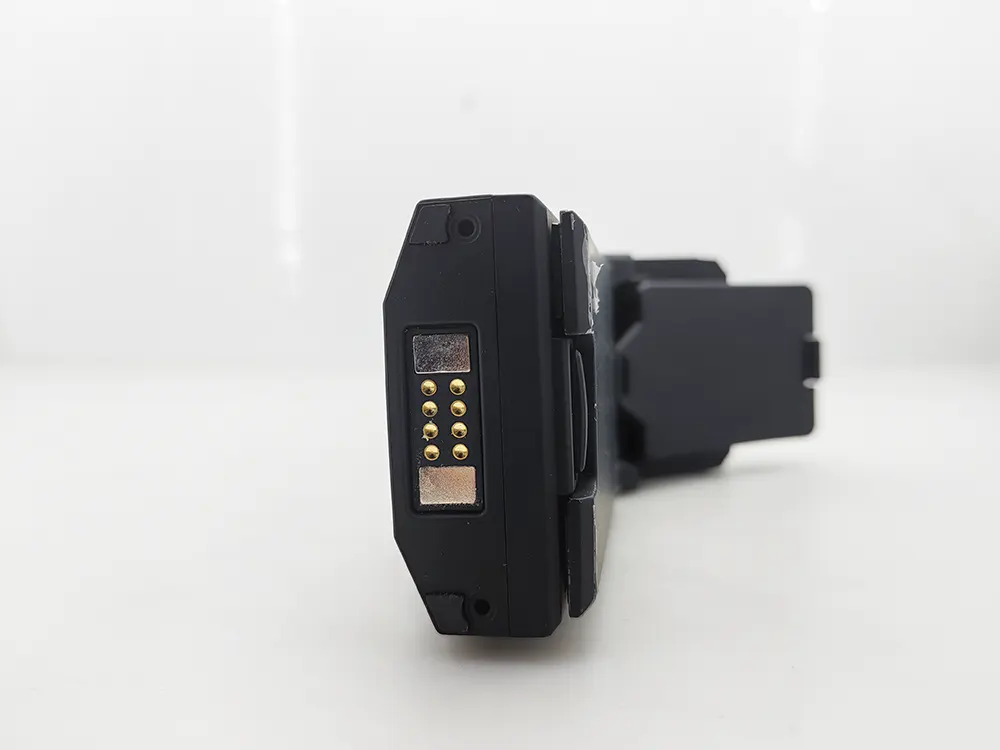
Replacement battery design
Support electronic stabilization
H .264 code /H.265 decoding
Faible consommation d'énergie, super long endurance
Support 4G wireless transmission, real-time intercom
Display screen: a 1.5-inch HD screen
Storage function: EMMC / TF card
Iv. Paramètres du produit
| function | parameter | function | parameter |
| Video/image resolution | 1600*800 | display screen | A 1.54-inch LCD screen |
| Sensor pixel | 500W | video coding | support H.264 AndH.265 Format |
| sensor | SC 500AI | Body weight | 350±5g |
| Electronic anti-shake | soutien | duration of flight | For 5 consecutive hours |
| Format vidéo | Mp4 | voltage | 4.2V |
| Photo format | J pg | battery capacity | 4500mAh |
| Built-in storage space | customizable e | levels of protection | IP56 protection |
| Lens perspective | 360° | service temperature | 0-60° |
| WIFI /4G | soutien | fixed position | Big Dipper/GPS |
| frame rate | 25 Frame / second | Function button | soutien |
- Basic functional operation
je)Switch the machine
1. Long press “switch machine” pour 3 seconds to release. After displaying the boot LOGO screen, enter the normal display screen. Indicator light 1 is always on and automatically opens the video indicator light 1 is flashing
2. In any display state, long press “switch” pour 3 seconds to release
3. The display status on the normal display status screen is as follows:

4. Identification in the above: 4G signal, power, equipment ID number, video time, video status,
Memory card remaining capacity and time remaining
2)Key function / interface

Clé 1: press for 3 seconds, power on / off Short press is to take pictures
Clé 2: long press to open the real-time screen preview, long press again to close the real-time preview
Short press interface switch (opening interface, file playback interface, setting interface)
Clé 3: press NET OFF; press again to launch NET OFF mode Short press mode switch (4G mode, WIFI ap mode, WIFI sta mode)
Key number 4: Long press to display version information (device version and IP address)
Short press to open video mode, short press to close video mode again
Six, the product to make, with the matters needing attention
1. Please be careful not to use this product near the strong magnetic field, which may cause image interference or product failure.
2. The recorder shall not be used in a wet, low temperature or high temperature environment for a long time, otherwise it may cause damage or shorten the service life of the product.
3. Please do not let the direct sunlight lens outside, which may cause damage to the photosensitive device in the lens.
4. Please do not knock or collide when using this product, so as to avoid damage and data loss.
5. To avoid the loss of data stored in the device, please upload the data to the computer hard disk timely after using the product.
6. Please keep the mirror clean in front of the lens, so as not to affect the effect of photography or video recording.
7. Please use the power adapter equipped with the recorder to charge the machine.
8. If the recorder has been damaged, please do not do any operation, and please contact the agent for repair.